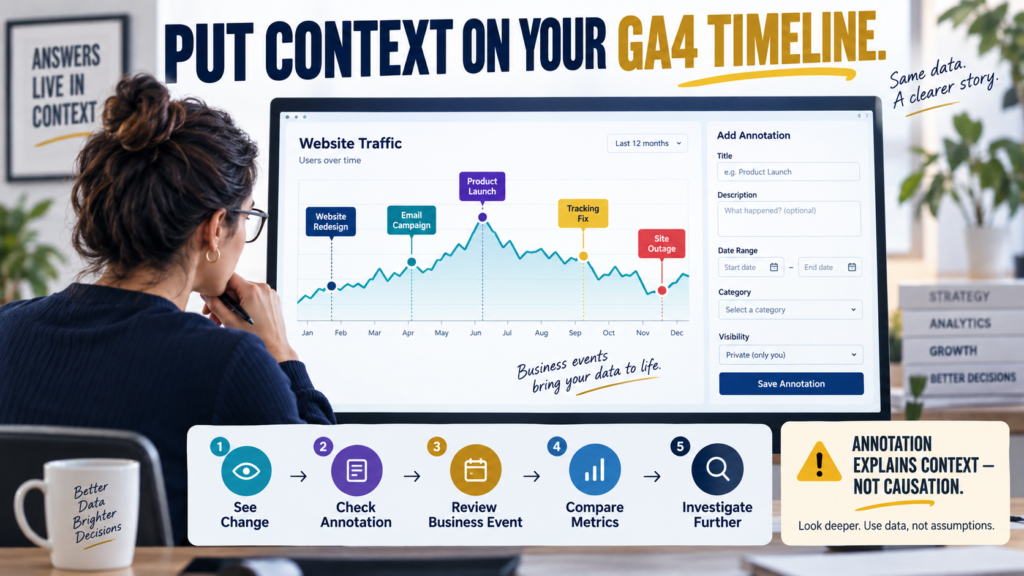
How to Use GA4 Annotations So You Remember What Happened When Traffic Changes Months Later
You open Google Analytics 4. Traffic dropped sharply in April. You remember something changed around then. But what? Was it: […]
You open Google Analytics 4. Traffic dropped sharply in April. You remember something changed around then. But what? Was it: […]
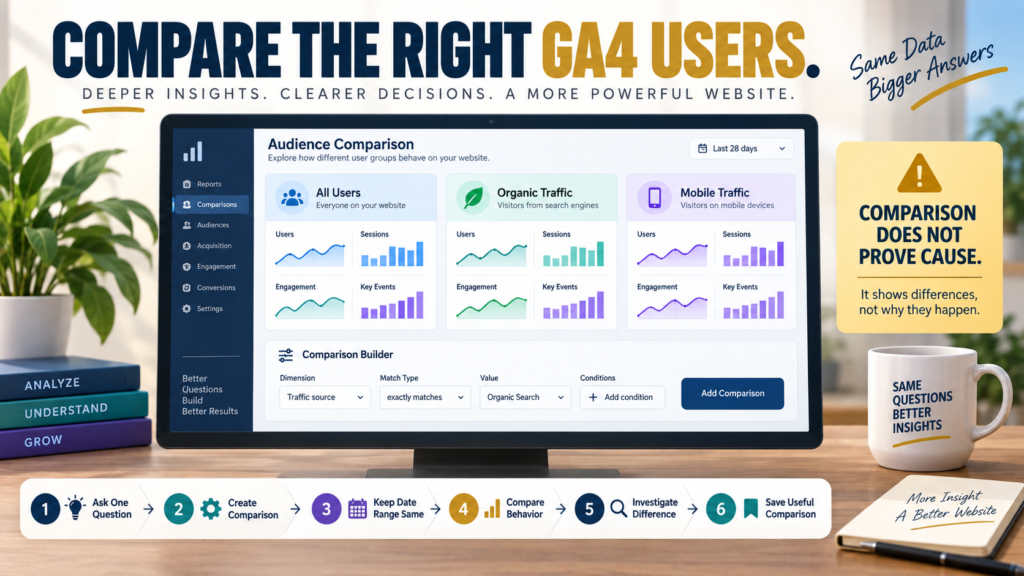
Google Analytics 4 comparisons let you evaluate different subsets of your data side by side. For example, you might compare:
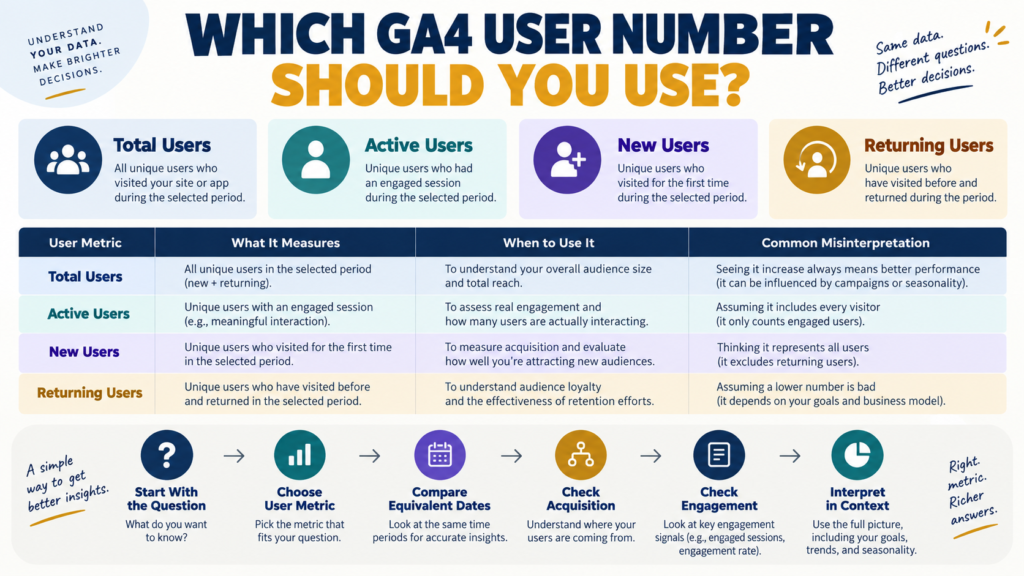
Google Analytics 4 can show several different user numbers. Among the most common are: That creates an understandable question: Which
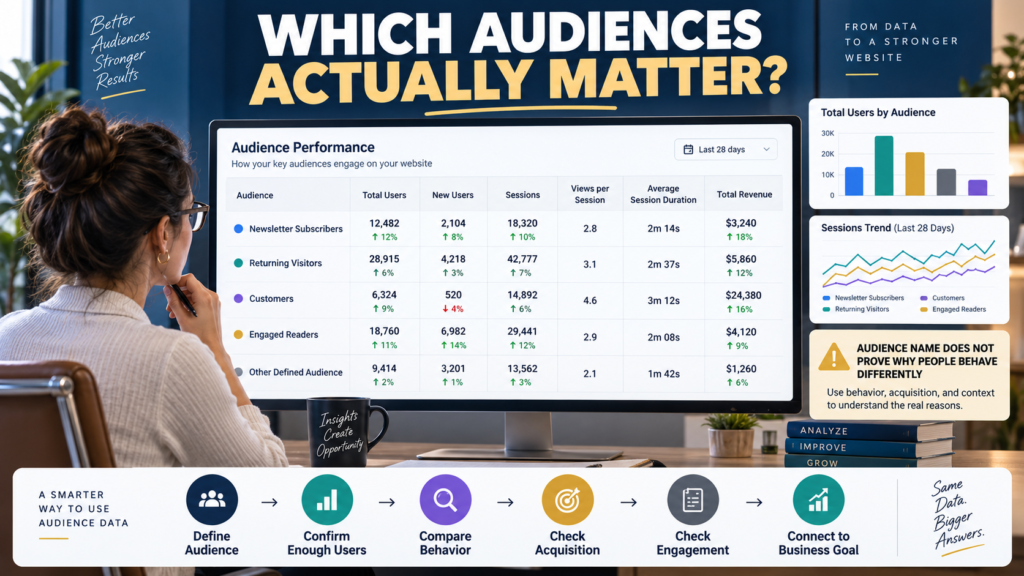
Google Analytics 4 lets you create audiences based on user characteristics or behavior. Examples might include: GA4’s current Audiences report
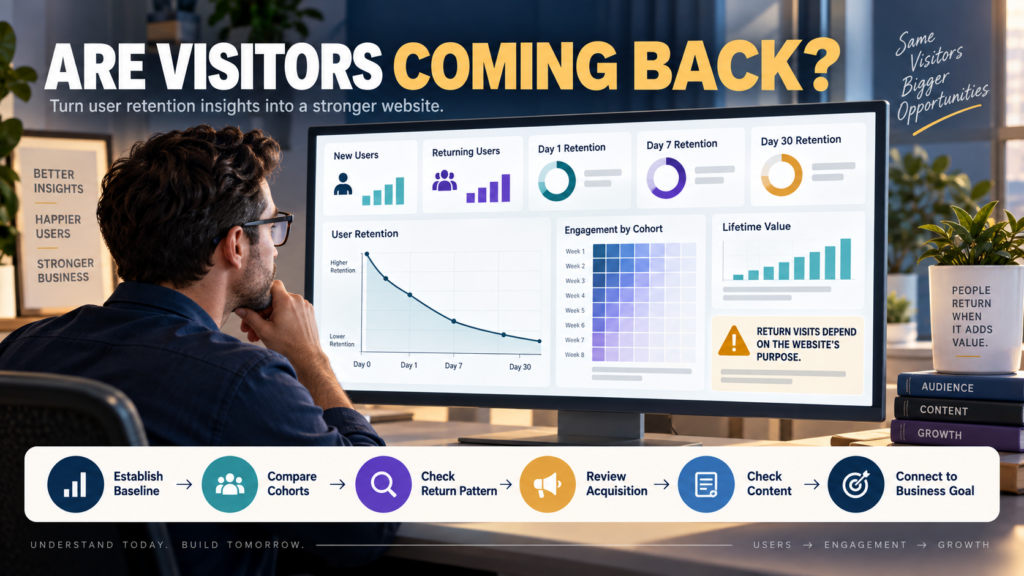
Google Analytics 4 includes a Retention overview designed to help you understand whether people return after they first discover your
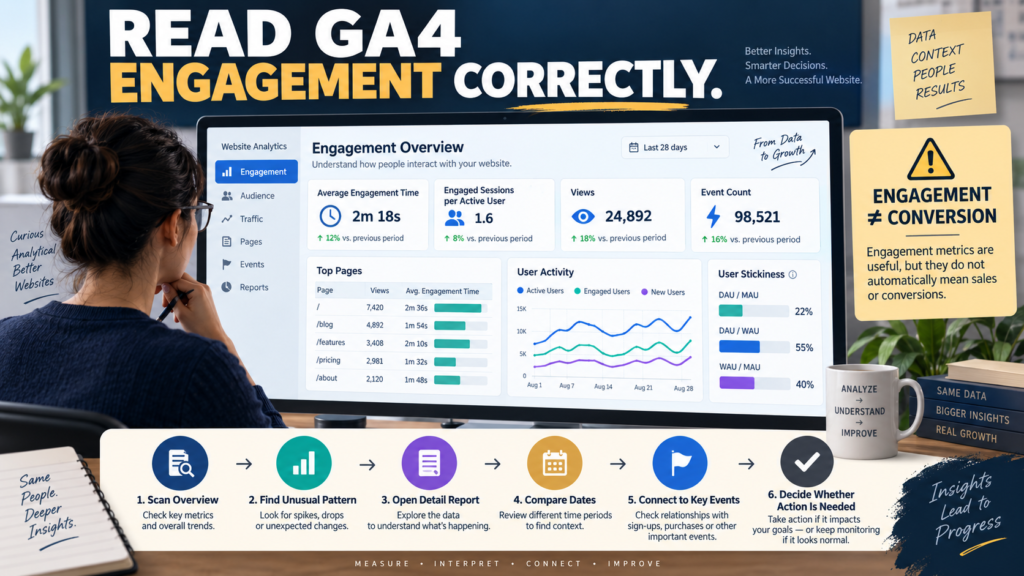
Google Analytics 4 provides an Engagement overview report designed to summarize how people interact with your website or app. It
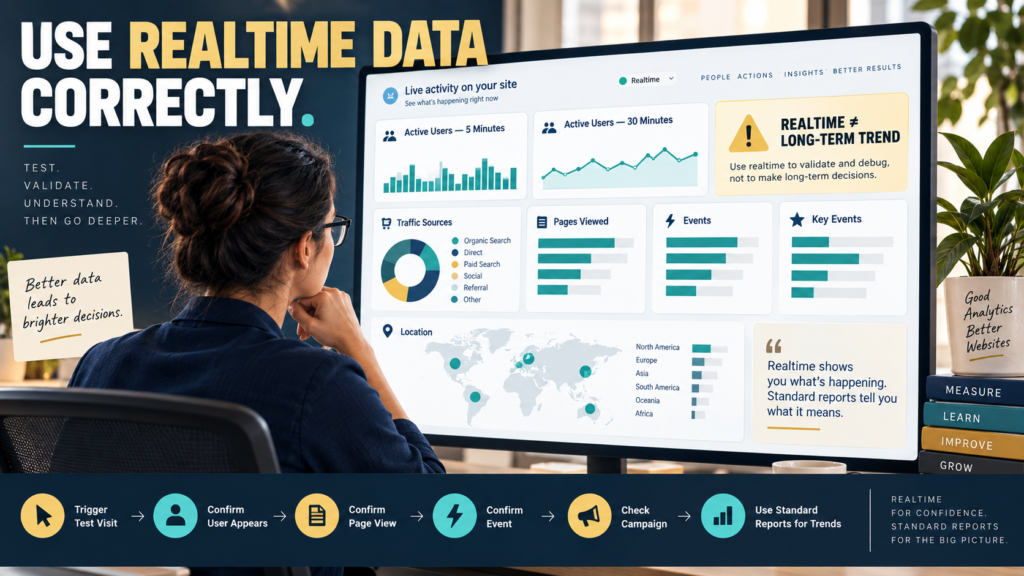
Google Analytics 4 includes a Realtime report that shows activity on your website or app shortly after it occurs. That
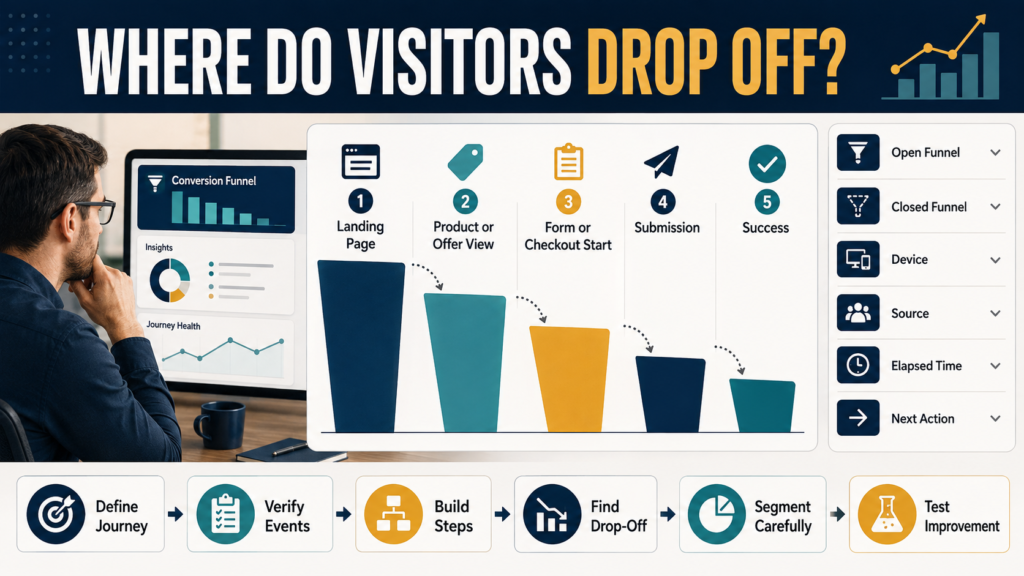
Knowing that a website received 1,000 visitors does not tell you whether those visitors completed the process you hoped they
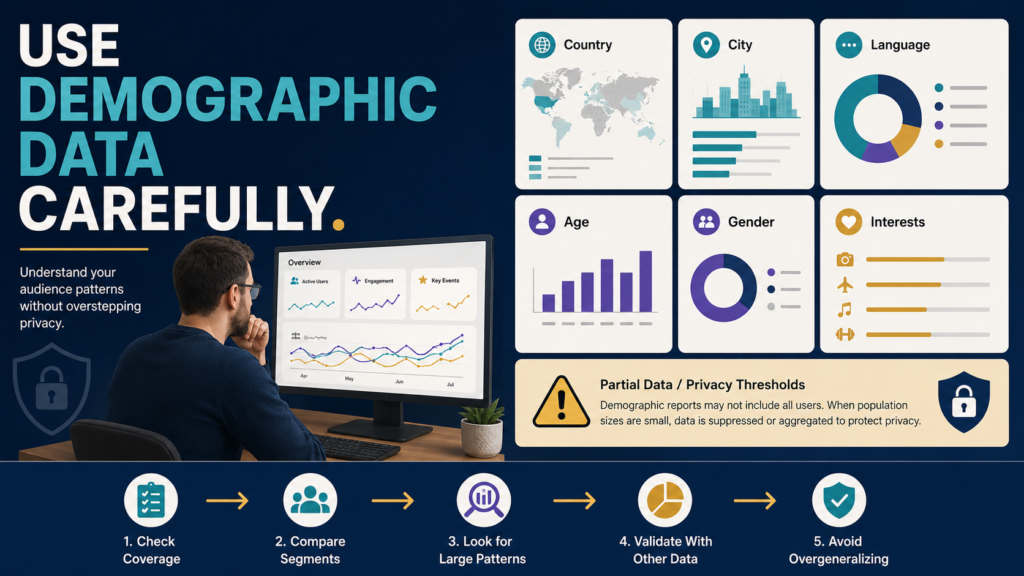
Google Analytics 4 can provide useful information about the people using your website. It can also tempt you into conclusions